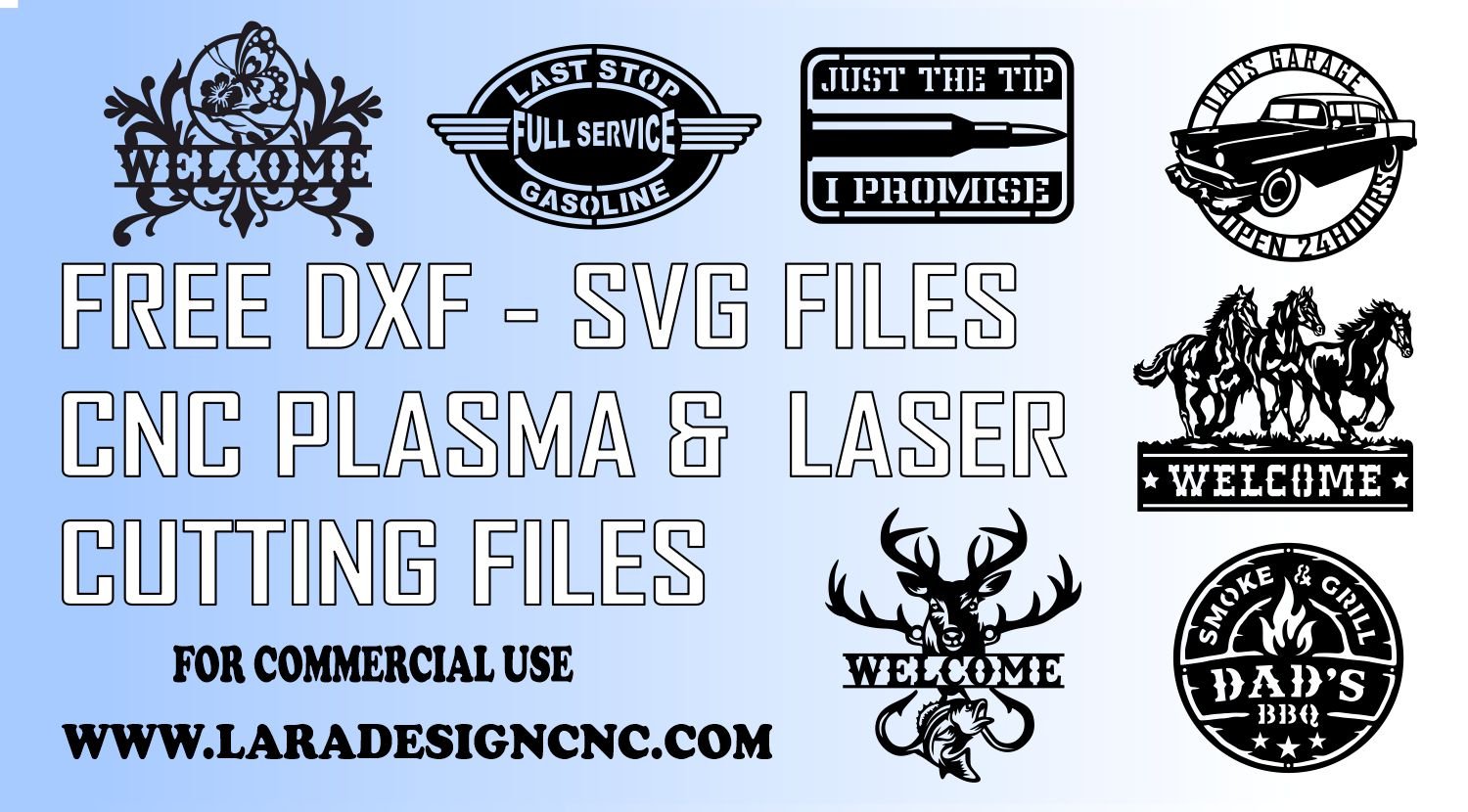
One of the most common questions from new CNC plasma and laser cutting operators: \”What file format do I need?\” DXF? SVG? AI? PDF? The answer depends on your machine, your software, and what you plan to do with the design.
Here\’s a straightforward breakdown.
File Format Comparison at a Glance
| Format | Best For | Software Compatibility | Editable? |
| —— | —————————- | —————————————- | ——— |
| DXF | CNC plasma, waterjet, router | SheetCAM, Mach3, FireControl, Hypertherm | Yes |
| SVG | Laser cutters, vinyl cutters | LightBurn, Glowforge, Cricut, Inkscape | Yes |
| AI | Professional editing | Adobe Illustrator | Yes |
| PDF | Printing, reference, vinyl | Any PDF viewer or plotter | Limited |
DXF Files — The Standard for Plasma Cutting
DXF (Drawing Exchange Format) is the universal language of CNC plasma cutting. It was developed by AutoCAD and is supported by virtually every plasma CAM software on the market. DXF files carry precise geometric data — lines, arcs, polylines — that your plasma table controller reads as a toolpath.
When to use DXF:
CNC plasma tables (Hypertherm, ESAB, FastCNC, etc.)
CNC routers and waterjet cutters
Any machine using SheetCAM, Mach3, or FireControl
SVG Files — The Best Choice for Laser Cutting
SVG files are web-native vector files and the preferred format for laser cutters. They\’re easy to open, scale, and edit in free tools like Inkscape — making them accessible to beginners. LightBurn, the dominant laser cutter software, imports SVGs natively with full layer support.
When to use SVG:
Diode and CO₂ laser cutters (xTool, Sculpfun, Glowforge, Thunder Laser)
Vinyl cutters and Cricut machines
Any workflow involving Inkscape or browser-based design tools
AI Files — The Designer\’s Format
Adobe Illustrator (AI) files are for designers who want to customize and adapt designs before cutting. If you want to resize, recolor, change fonts, or remix elements, AI files give you maximum editability in a professional environment.
When to use AI:
Custom client work requiring design modifications
Adding business logos or names to a template
Creating derivative products from base designs
PDF Files — The Universal Reference
PDF is not a cutting format, but it\’s valuable as a print reference or template guide — useful for hand tracing, vinyl plotting, or sharing with clients for approval before cutting.
Which Format Does LaraDesignCNC Provide?
Every design bundle at LaraDesignCNC comes with all four formats: DXF, SVG, PDF, and AI — so whether you\’re running a plasma table, laser cutter, or designing in Illustrator, you\’re fully covered with one purchase.
👉 Get all formats in one bundle. Shop LaraDesignCNC today.